Complete request context
Capture the details staff need before the lead, job, or appointment reaches them.
For construction companies and skilled trades, dental and medical clinics, and independent car dealerships. Choose AI and business automation, custom business software, or a customer platform built around one practical workflow.
Automate approved WhatsApp and email replies, lead follow-ups, reminders, document handling, and repetitive internal workflows while keeping important decisions with your team.
Build company dashboards, CRM systems, internal tools, booking systems, and operational platforms around how your business actually works.
Create business websites, customer portals, online booking pages, and web or mobile applications that connect customer actions to your team.
1
workflow to start
We map where the request enters, which details are missing, who owns the next step, and what needs to be visible.
Then we scope the smallest useful release: one workflow, clear deliverables, and a practical path to launch.
See the deliverablesConnect the moments where a lead, job, appointment, or decision would otherwise stall.
Choose the first operational improvement that matters most.
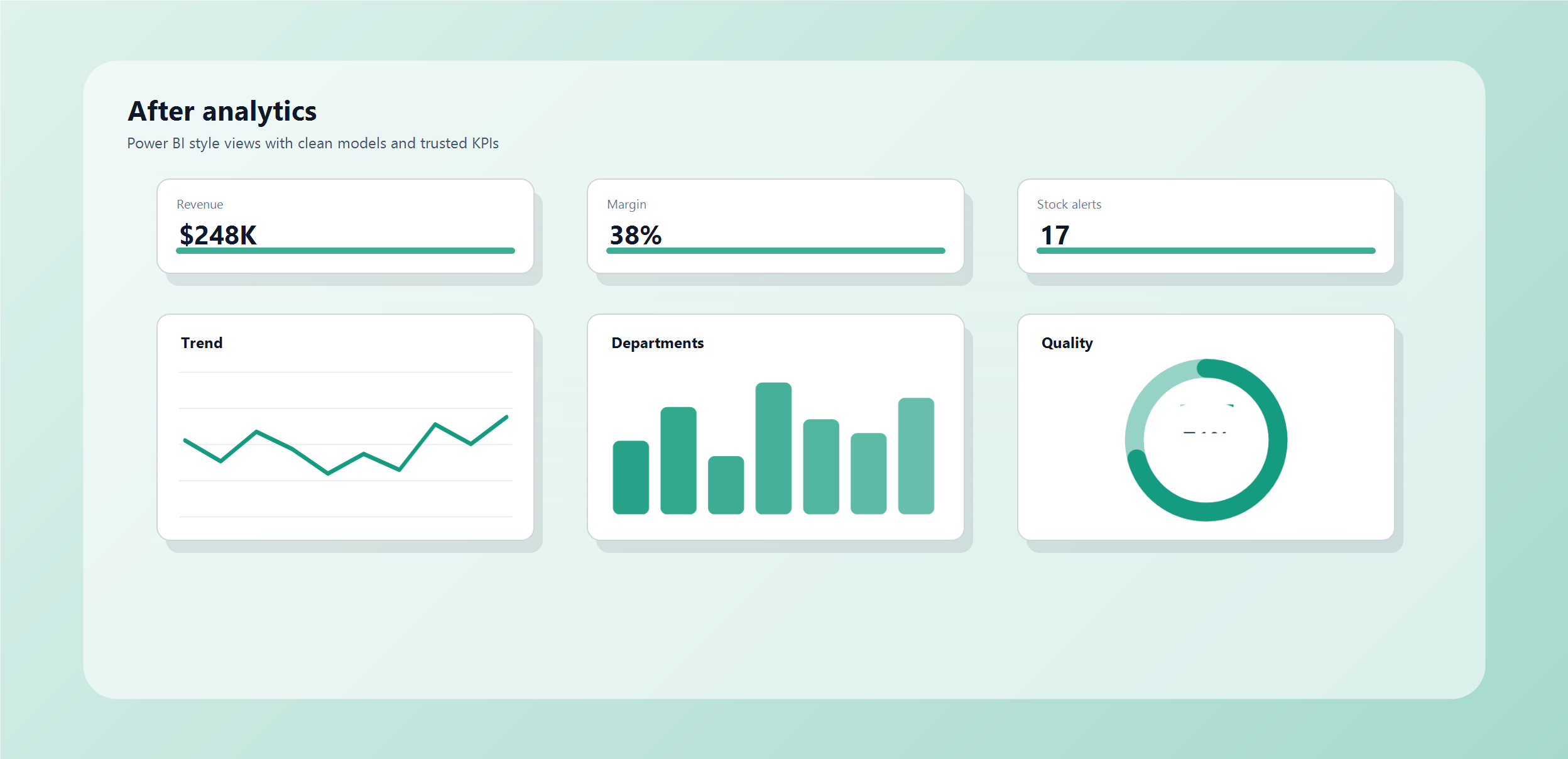
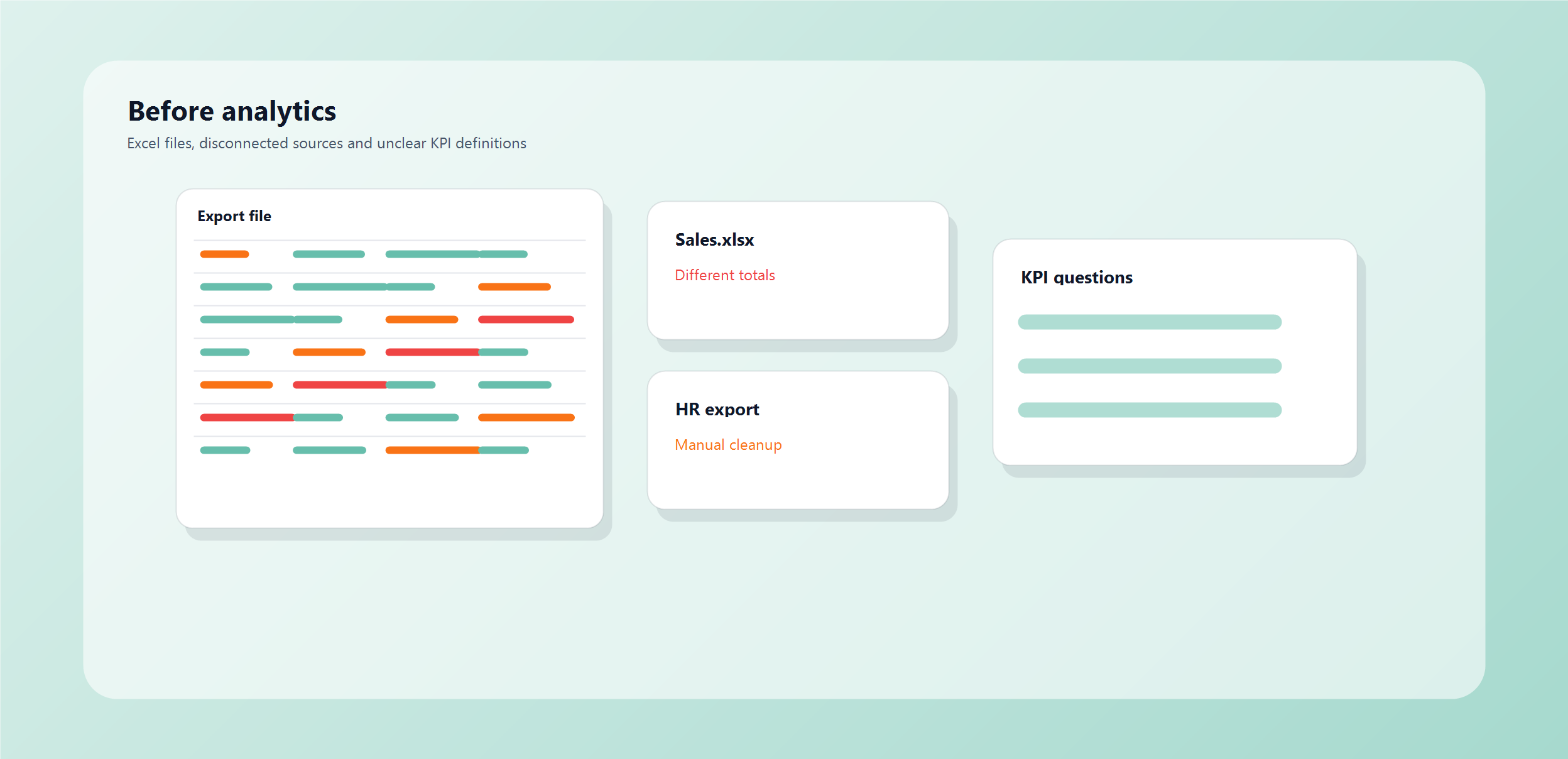
Illustrative before-and-after example. Metrics shown are sample data, not client results.
Illustrative first-release examples
These are illustrative workflow patterns, not client case studies or promised results. Each shows how one repeated intake or follow-up problem could become a trackable first release.

A guided flow collects job type, location, timing, photos, and contact details before office staff route the request.
See more use cases
A guided flow collects service, preferred time, location, and contact details without handling medical advice.
See more use cases
A WhatsApp flow captures vehicle interest, budget, financing, trade-in, location, and timing before routing the lead.
See more use casesTechnology names show tools and solution patterns we can evaluate. They do not imply a partnership, certification, or a commitment to use every tool; the final stack follows feasibility, security, ownership, and scope.
Explore the fit
Walk through an illustrative version of your intake, follow-up, booking, reporting, or internal process before discussing features.
Relevant workflow walkthrough
Inputs, owners, handoffs, and exceptions
Clearly labelled as an example
Understand the scope
Review a sample scope format that separates the first release, exclusions, dependencies, acceptance points, and decisions still to be confirmed.
Sample first-release scope
Deliverables, boundaries, and dependencies
Adapted only after discovery
Know the method
See how working demos, decision notes, testing, access, launch, and support are handled so delivery does not feel like a black box.
Review and handover method
Visible checkpoints and operating ownership
A practical delivery process
When available
When a relevant client has approved it, we can check whether a named reference, quote, screenshot, or result can be shared for the conversation.
Permission-based client reference
Relevant and approved before it is used
Never implied from sample material
A short description of the current process is enough to start. Include the tools, messages, and handoffs involved.
We will identify the workflow to map first and what a focused release could include.
Describe the bottleneck